Types of Assamese Keyboard
When you want to type in Assamese on a computer or phone, you mainly have two popular options Phonetic keyboard and InScript keyboard. Both help you write Assamese, but they work in very different ways.
1. Phonetic Keyboard
This one is easy for beginners. In phonetic typing, you type Assamese words the same way they sound. For example, to write "মই", you just type "moi". To write "ভাল", you type "bhal". The computer changes your English letters into Assamese letters by itself.
Many people like this method because it feels easy from the start. You don't need to learn new key positions. You just type the way the word sounds. That's why many people who use social media, or type Assamese only sometimes, like this method best.
But phonetic typing is not always correct. Sometimes the computer picks the wrong word, especially when two words sound almost the same. Also, it becomes slower once you type a lot. And most government exams do not allow phonetic typing.
2. Inscript Keyboard
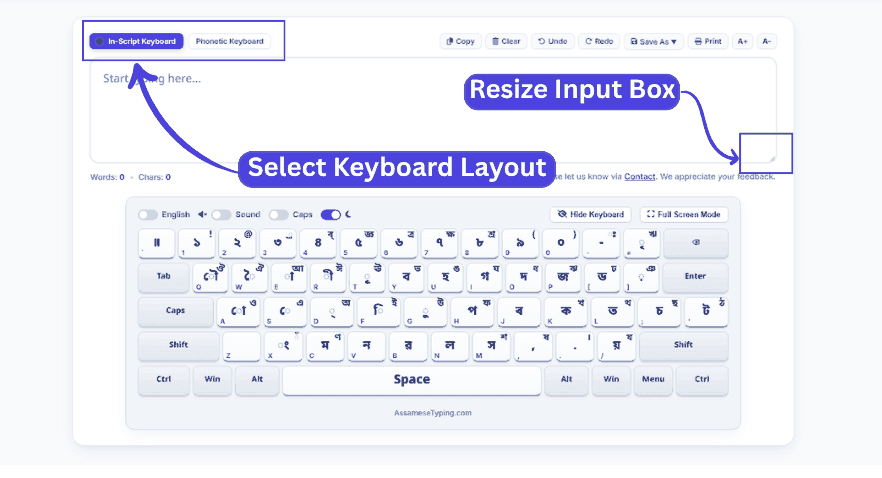
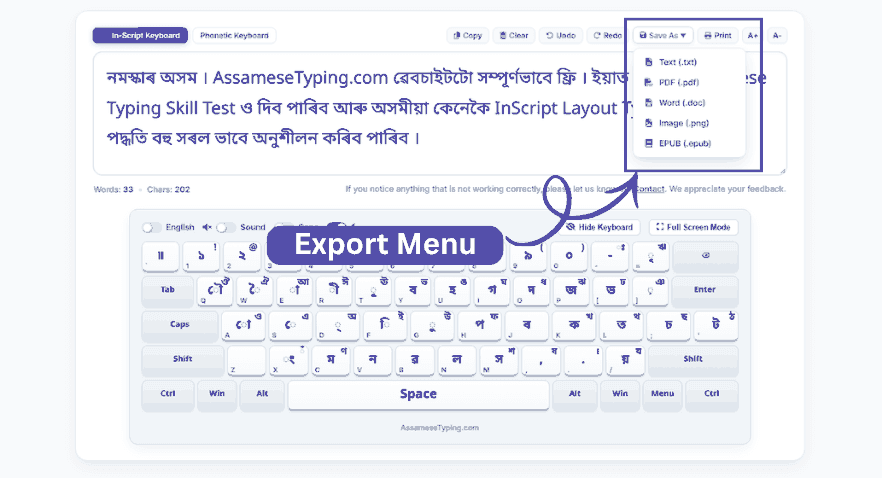
Inscript is the official keyboard given by the Government of India. In this keyboard, every Assamese letter has its own fixed key, just like English letters have fixed keys on a normal keyboard. You press one key, and you get one exact letter.
At first, Inscript feels a bit hard because you have to learn where each letter is. But after practising for a few weeks, you become fast and accurate. The computer never guesses — whatever key you press, that exact letter comes.
Inscript is also useful because the same layout works for many other Indian languages. If you learn Inscript for Assamese, you can later type Hindi, Bengali, or other languages with almost the same knowledge.
To type well with Inscript, you must first know all the স্বৰবৰ্ণ (vowels) and ব্যঞ্জনবৰ্ণ (consonants) completely — every single letter, by heart. This is very important, because Inscript is all about key positions, not sound. For example, if you want to type "অসম", you need to press Shift + D, then m, then c. Once you remember where each letter sits on the keyboard, typing becomes quick and smooth.
After you learn all the key positions, the next step is learning Juktakkhor (যুক্তাক্ষৰ) and Matra (মাত্রা).
In simple words, a Juktakkhor is a joined letter, made by combining two letters into one. For example, when you join ক + ষ, they become one single letter — ক্ষ. And Matra means adding a small vowel sign to a consonant, like adding ি to ক to make কি.
These two things take a little more practice, but don't worry — I have made a complete step-by-step Typing Lessons to help you practice স্বৰবৰ্ণ (vowels) and ব্যঞ্জনবৰ্ণ (consonants)Juktakkhor (যুক্তাক্ষৰ) and Matra (মাত্রা) easily.
Inscript is also useful for another reason. The same keyboard works for many other Indian languages too. So if you learn Inscript for Assamese, you can also type Hindi, Bengali, and other languages easily.
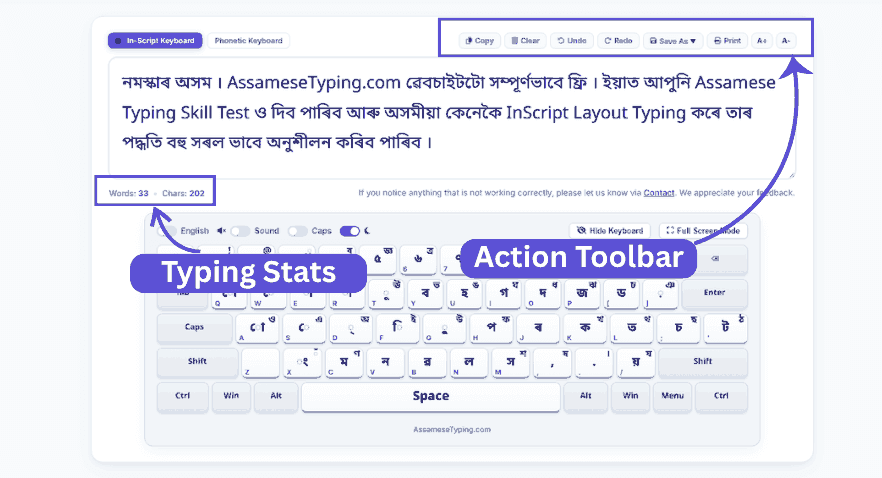
Most Assam Government jobs and official posts require the Inscript layout. So if you are a government employee, you can easily practice Assamese typing on our website. And if you are preparing for Assam Government competitive exams and want to practice your Assamese typing skill test, you can do it here online — with live speed testing, error highlights, and real-time performance scores.
Which one should you choose?
If you only want to type casually on social media or chat with friends, phonetic is fine and easy.
But if you are a student, job aspirant, writer, teacher, or anyone who wants to type Assamese properly and professionally for the long term, learning Inscript is the better choice.